Securing Air-Gapped Networks: Lessons from Critical Infrastructure

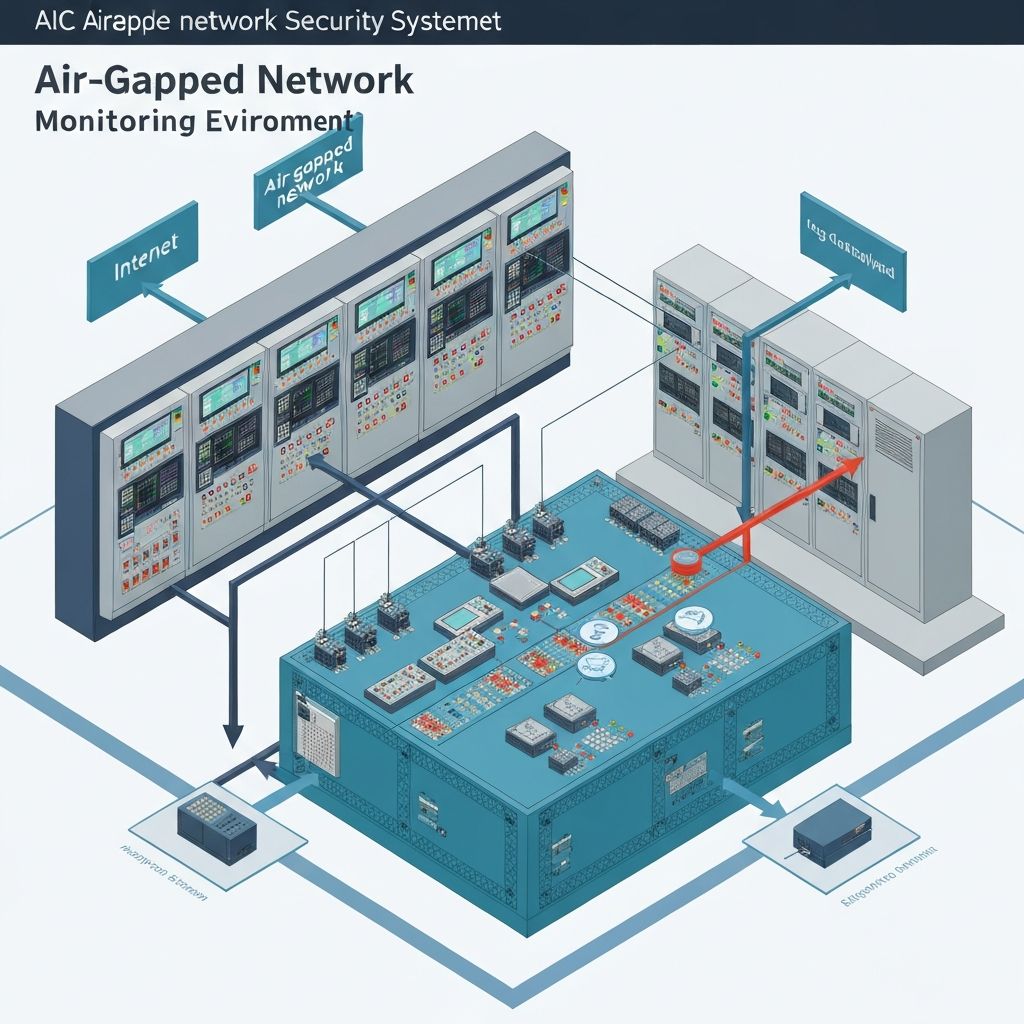
In 2010, Stuxnet demonstrated what security researchers had long suspected: air-gapped networks can be breached. The worm traversed a physical air gap via USB drives, crossed through multiple security layers, and ultimately caused centrifuges at Iran's Natanz uranium enrichment facility to spin themselves apart. It was a wake-up call for every organization that relied on physical isolation as its primary security control.
Fifteen years later, the lesson still hasn't fully sunk in. In our work securing operational technology (OT) environments across energy, manufacturing, and transportation in the DACH region, we routinely encounter a dangerous assumption: if the network isn't connected to the internet, it's secure. It isn't.
The Gap That Isn't Really a Gap
The term "air gap" implies absolute separation — a physical break between networks with no possible data path between them. In theory, it's the ultimate security control. In practice, it almost never exists in its pure form.
USB drives bridge the gap daily. Engineers transfer configuration files, software updates, and diagnostic logs between the corporate network and the OT environment using removable media. Every USB drive that moves between networks is a potential malware vector. In one assessment, we found a manufacturing client had over 40 USB drives in regular rotation between their IT and OT networks, with no tracking, no scanning, and no controls on what data moved in which direction.
Maintenance laptops live in both worlds. Vendor technicians and internal engineers bring laptops onto the OT network for maintenance tasks — firmware updates, configuration changes, diagnostics. These same laptops were connected to the corporate network (and often the internet) hours earlier. We've seen laptops with active corporate VPN connections plugged directly into OT switches, effectively creating a tunnel through the air gap without anyone realizing it.
Remote access requirements create permanent bridges. Vendors need access for equipment monitoring and support. Rather than arranging physical site visits for every issue, organizations install remote access solutions — sometimes sanctioned, sometimes shadow IT installed by a vendor during commissioning. A German energy provider we assessed had seven separate remote access solutions installed across their OT environment, three of which their internal IT team didn't know existed.
Data diodes are not foolproof. Hardware-enforced one-way data flows are a strong control, but they require careful configuration. We've assessed environments where data diodes were installed but misconfigured to allow bidirectional traffic, or where engineers had installed a second, unrestricted network path "temporarily" for a project that ended two years ago.
How Attacks Actually Cross Air Gaps
Understanding the real attack vectors helps focus your defenses on what matters rather than theoretical threats.
Supply Chain Compromise
This is the Stuxnet model, and it remains the most dangerous vector for air-gapped networks. The attack happens upstream, before equipment or software enters your environment.
Infected firmware and software updates are particularly insidious because they're expected to be loaded onto OT systems. An attacker who compromises a PLC vendor's update distribution system can deliver malware directly into hundreds of air-gapped environments simultaneously. The SolarWinds attack in 2020 demonstrated this approach against IT systems — the same methodology applies to OT.
Compromised vendor equipment can arrive pre-infected. During commissioning, we've found embedded devices shipped with default credentials, active debug interfaces, and in one case, a cellular modem for vendor telemetry that was never disclosed in the procurement documentation.
The defense here starts before equipment enters your environment: verified supply chains, integrity checking of firmware images, commissioning procedures that include security validation, and contractual requirements for vendor transparency.
Insider Vectors (Accidental and Intentional)
Most air gap breaches are accidental. An engineer copies a diagnostic tool from the internet onto a USB drive, carries it into the OT environment, and unknowingly brings malware along for the ride. The intent was benign — they needed the tool for their job — but the effect is identical to a targeted attack.
Intentional insider threats in OT environments are less common but potentially catastrophic. An OT system with physical process control capabilities — valve positions, temperature setpoints, motor speeds — can cause physical damage if manipulated. The barrier to entry is lower than people assume: basic process control knowledge combined with legitimate access is sufficient.
The defense is layered: security awareness training specifically for OT personnel (not generic IT security training, which often feels irrelevant to plant engineers), technical controls on removable media, network monitoring for anomalous behavior, and access controls that limit what any single individual can do.
Maintenance Window Exploitation
Scheduled maintenance is the riskiest period for air-gapped networks because it's when the most exceptions are made. Remote access is enabled, USB drives are exchanged, configuration changes are made, and security monitoring is often reduced to avoid interfering with maintenance activities.
Attackers know this. Advanced threat actors time their operations to coincide with known maintenance windows or manufacturing shutdowns when security staffing is reduced. During a major maintenance event, we observed a client temporarily disable their OT firewall rules "to make things easier for the vendor" — a 48-hour window during which their OT network was effectively unprotected.
Defense-in-Depth for Air-Gapped Environments
The principle is simple: assume the air gap will be breached and build defenses that detect and contain threats even after they've crossed the boundary.
Physical and Media Controls
Implement a strict removable media policy. All USB drives used in the OT environment should be dedicated, registered, and never used outside the OT network. Deploy USB kiosks at the boundary — standalone scanning stations where all removable media is checked before entering the OT environment. The kiosk itself must not be connected to either network; it operates independently with regularly updated signature files.
Control maintenance laptop access. Establish a pool of dedicated maintenance laptops that never leave the OT environment. When vendor technicians need to bring their own equipment, require them to use a standardized secure boot image provided by your organization, or conduct their work under supervision using your equipment.
Log every physical boundary crossing. Every person, device, and piece of media that enters the OT environment should be logged. This isn't just a security control — it's essential for forensic investigation if an incident occurs. You need to be able to answer the question: "What entered the OT environment in the 30 days before we detected the anomaly?"
Network Monitoring Within the Air Gap
Air-gapped networks need monitoring — perhaps even more than internet-connected networks, because you lack the external threat intelligence feeds and cloud-based detection capabilities that IT networks rely on.
Deploy OT-specific intrusion detection. Solutions like Nozomi Networks, Claroty, or Dragos are purpose-built for industrial protocol analysis. They understand MODBUS, DNP3, S7, EtherNet/IP, and other OT protocols, and can detect anomalous commands that generic IT security tools would miss entirely. When a PLC receives a setpoint change command from an unauthorized source, your monitoring needs to flag it — not just log it for later review.
Establish behavioral baselines. OT networks are inherently more predictable than IT networks. The same PLCs communicate with the same HMIs using the same protocols at roughly the same intervals. Any deviation from this baseline — new communication pairs, unusual protocols, changed timing patterns — is potentially significant.
Monitor for lateral movement indicators. If an attacker breaches the air gap, their next step is typically reconnaissance and lateral movement within the OT network. Watch for port scans, authentication attempts against devices that don't normally receive them, and network discovery protocols being used from devices that shouldn't be running them.
Endpoint Hardening
Application whitelisting is essential in OT. OT endpoints typically run a fixed set of applications that changes rarely. Application whitelisting is more practical in OT than in IT because the approved application list is smaller and more stable. Any executable not on the whitelist should be blocked and flagged for investigation.
Disable unnecessary services and ports. OT devices often ship with services enabled by default that are unnecessary in production — web servers, SNMP agents, FTP services, debug interfaces. Each unnecessary service is an attack surface. Harden devices during commissioning and validate the hardening during regular security assessments.
Implement integrity monitoring. Regularly verify that the firmware, configuration, and software on OT devices matches the known-good baseline. Any unauthorized change to a PLC program, an HMI configuration, or a historian database should trigger an immediate investigation.
Building a Sustainable OT Security Program
Technical controls are necessary but not sufficient. Sustainable OT security requires organizational commitment:
Bridge the IT/OT divide. In most organizations, IT security and OT engineering operate as separate teams with different priorities, different vocabularies, and sometimes active distrust. Effective OT security requires collaboration. Consider establishing a converged security function or, at minimum, regular joint exercises and shared incident response procedures.
Train your OT personnel specifically. Generic IT security awareness training doesn't resonate with plant engineers. Develop training that uses OT-specific scenarios: what happens when an infected USB is plugged into an engineering workstation, how to verify firmware integrity before loading an update, what to do if an HMI displays unexpected behavior.
Include OT in your incident response planning. Many organizations have well-developed IT incident response plans that completely ignore OT. When a cyber incident affects production systems, the response team needs OT expertise, not just IT skills. Include OT engineers in your tabletop exercises and ensure your incident response playbook has OT-specific procedures.
Air gaps provide a valuable layer of defense, but they're not impenetrable. The organizations that take OT security seriously are the ones that prepare for the gap to be breached — and have the monitoring, controls, and response capabilities to detect and contain threats when it happens.
Ready to Get Started?
Contact us for a free consultation and learn how we can improve your security program.